
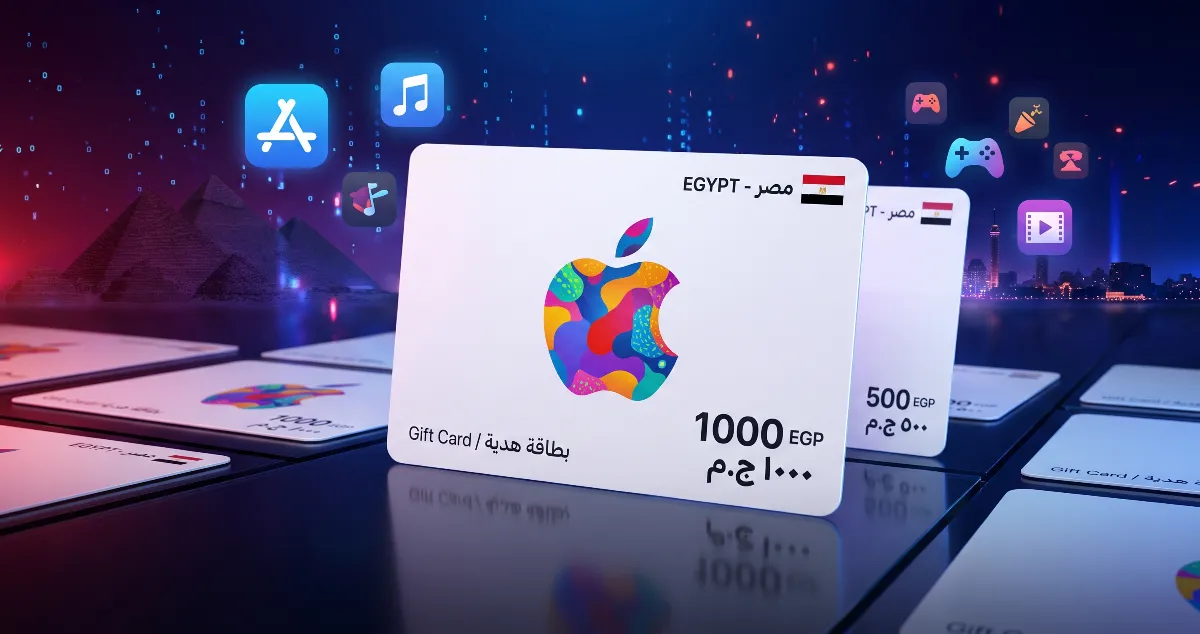
An iTunes Egypt card adds Egyptian-pound credit to your Apple Account. You can spend it on apps, games and subscriptions like iCloud+ and Apple Music. It takes about a minute, but check one thing first.
Make sure your account is Egyptian
Egyptian cards only work on Apple Accounts set to Egypt. To check: open Settings, tap your name, go to Media & Purchases → View Account, and look at Country/Region.
Redeem the card
- Open the App Store.
- Tap your profile picture.
- Choose Redeem Gift Card or Code.
- Type the code or scan the card with the camera.
- Tap Redeem — the credit is added right away.
Common questions
Does the credit expire?
No. Apple Account balance does not expire.
Can I move the credit to another account?
No. It stays on the account you redeemed it on.
The code says it's invalid — what now?
Check that your account is set to Egypt and that there are no spaces in the code. Still stuck? Send us your order number and a screenshot on WhatsApp within 48 hours of delivery and we'll replace it or refund you under our refund policy.
Ready? See the iTunes Egypt values.